HTML _CSS
Progress Bar
HiroDaegu
2022. 7. 16. 03:01
728x90
SMALL
<!DOCTYPE html>
<html lang="ko">
<head>
  <meta charset="UTF-8">
  <meta http-equiv="X-UA-Compatible" content="IE=edge">
  <meta name="viewport" content="width=device-width, initial-scale=1.0">
  <title>PROGRESS BAR</title>
  <link rel="stylesheet" href="style.css">
  <script defer src="main.js"></script>
</head>
<body>
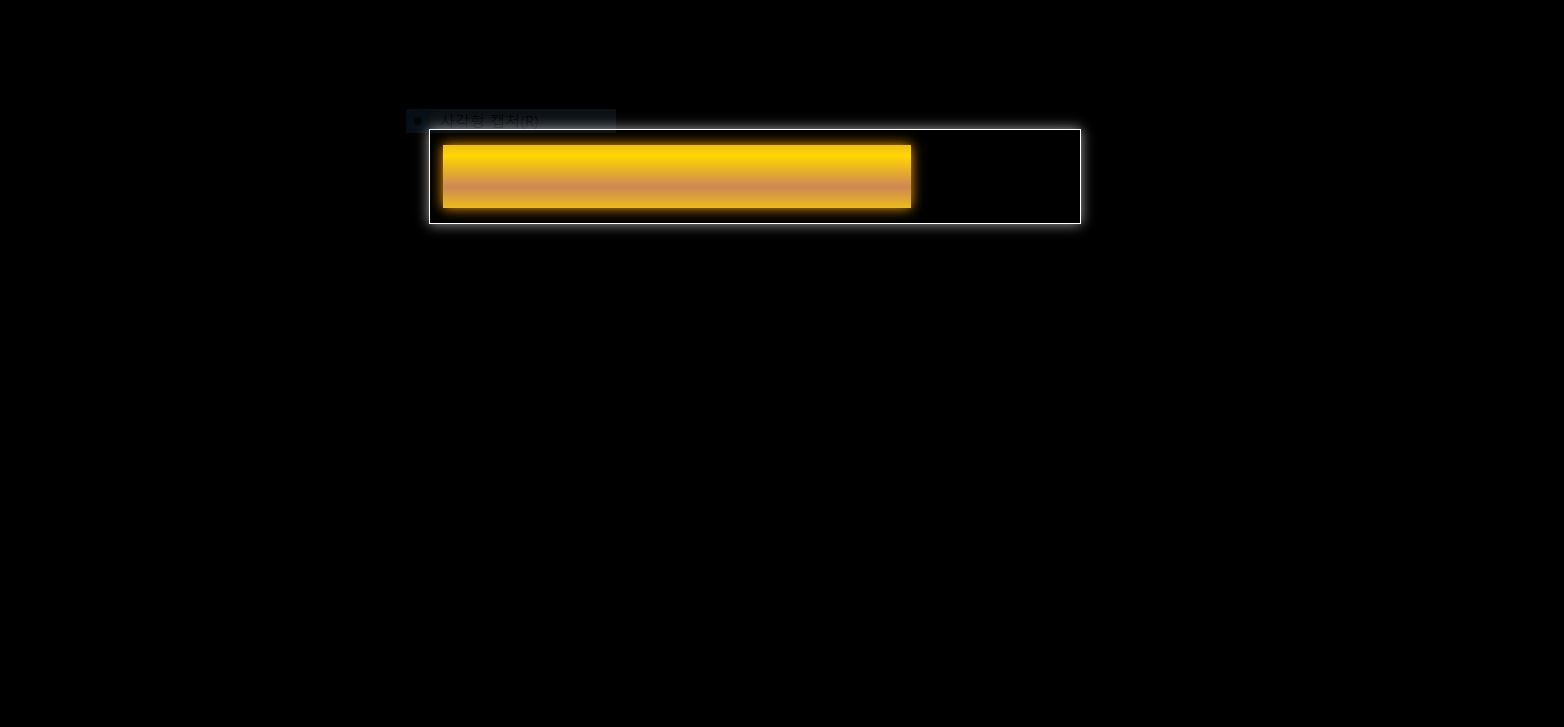
  <div class="progress">
    <div class="bar"></div>
  </div>
</body>
</html>
body {
background: black;
}
.progress {
--progress: 0%;
width: 500px;
height: 50px;
margin: 9em auto;
border: 1px solid #fff;
padding: 12px 10px;
box-shadow: 0 0 10px #aaa;
}
.progress .bar {
width: var(--progress);
height: 100%;
background: linear-gradient(gold, #c85, gold);
background-repeat: repeat;
box-shadow: 0 0 10px 0px orange;
animation:
shine 4s ease-in infinite,
end 1s ease-out 1 7s;
transition: width 3s ease 3s;
}
@property --progress {
syntax: "<length>";
initial-value: 0%;
inherits: true;
}
@keyframes shine {
0% { background-position: 0 0; }
100% { background-position: 0 50px; }
}
@keyframes end {
0%, 100% { box-shadow: 0 0 10px 0px orange; }
50% { box-shadow: 0 0 15px 5px orange; }
}const bar = document.querySelector(".bar");
setTimeout(() => {
bar.style.setProperty("--progress", "75%");
}, 500);728x90
LIST