Javascript
Temperature Convertor
HiroDaegu
2022. 11. 14. 14:04
728x90
SMALL
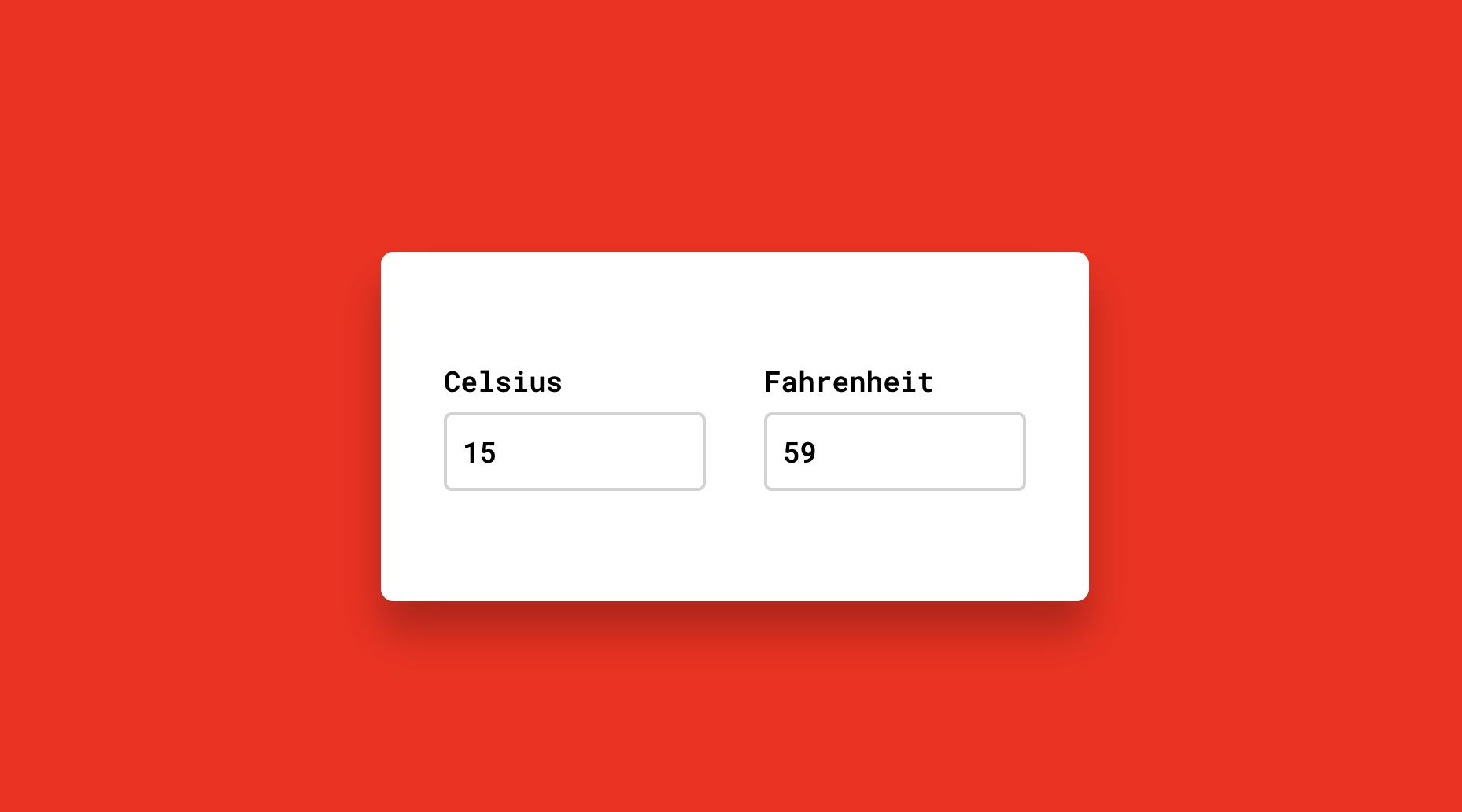
<html lang="ko">
<head>
    <title>TEMPERATURE CONVERTOR</title>
    <!--Google font-->
    <link rel="preconnect" href="https://fonts.gstatic.com">
    <link href="https://fonts.googleapis.com/css2?family=Roboto+Mono:wght@500&display=swap" rel="stylesheet">
    <!--Stylesheet-->
    <link rel="stylesheet" href="style.css">
    <script defer src="main.js"></script>
</head>
<body>
    <div class="wrapper">
        <div class="container">
            <label for="celsius">Celsius</label>
            <input type="number" id="celsius" oninput= "celToFar()">
        </div>
        <div class="container">
            <label for="fahrenheit">Fahrenheit</label>
            <input type="number" id="fahrenheit" oninput = "farToCel()">
        </div>
    </div>
</body>
</html>
*,
*:before,
*:after{
padding: 0;
margin: 0;
box-sizing: border-box;
font-family: "Roboto Mono", monospace;
font-size: 18px;
}
body{
background-color: red;
}
.wrapper{
width: 450px;
background-color: #ffffff;
padding: 70px 40px;
position: absolute;
transform: translate(-50%,-50%);
left: 50%;
top: 50%;
box-shadow: 0 20px 25px rgba(0,0,0,0.25);
border-radius: 8px;
display: flex;
justify-content: space-between;
}
.container{
width: 45%;
}
input{
width: 100%;
height: 50px;
border-radius: 5px;
border: 2px solid #d2d2d2;
outline: none;
margin-top: 8px;
padding: 0 10px;
}
input:focus{
border-color: #3164ff;
}let celsius = document.getElementById("celsius");
let fahrenheit = document.getElementById("fahrenheit");
function celToFar() {
let output = (parseFloat(celsius.value) * 9) / 5 + 32;
fahrenheit.value = parseFloat(output.toFixed(2));
}
function farToCel() {
let output = ((parseFloat(fahrenheit.value) - 32) * 5) / 9;
celsius.value = parseFloat(output.toFixed(2));
console.log(output);
}728x90
LIST