HTML _CSS
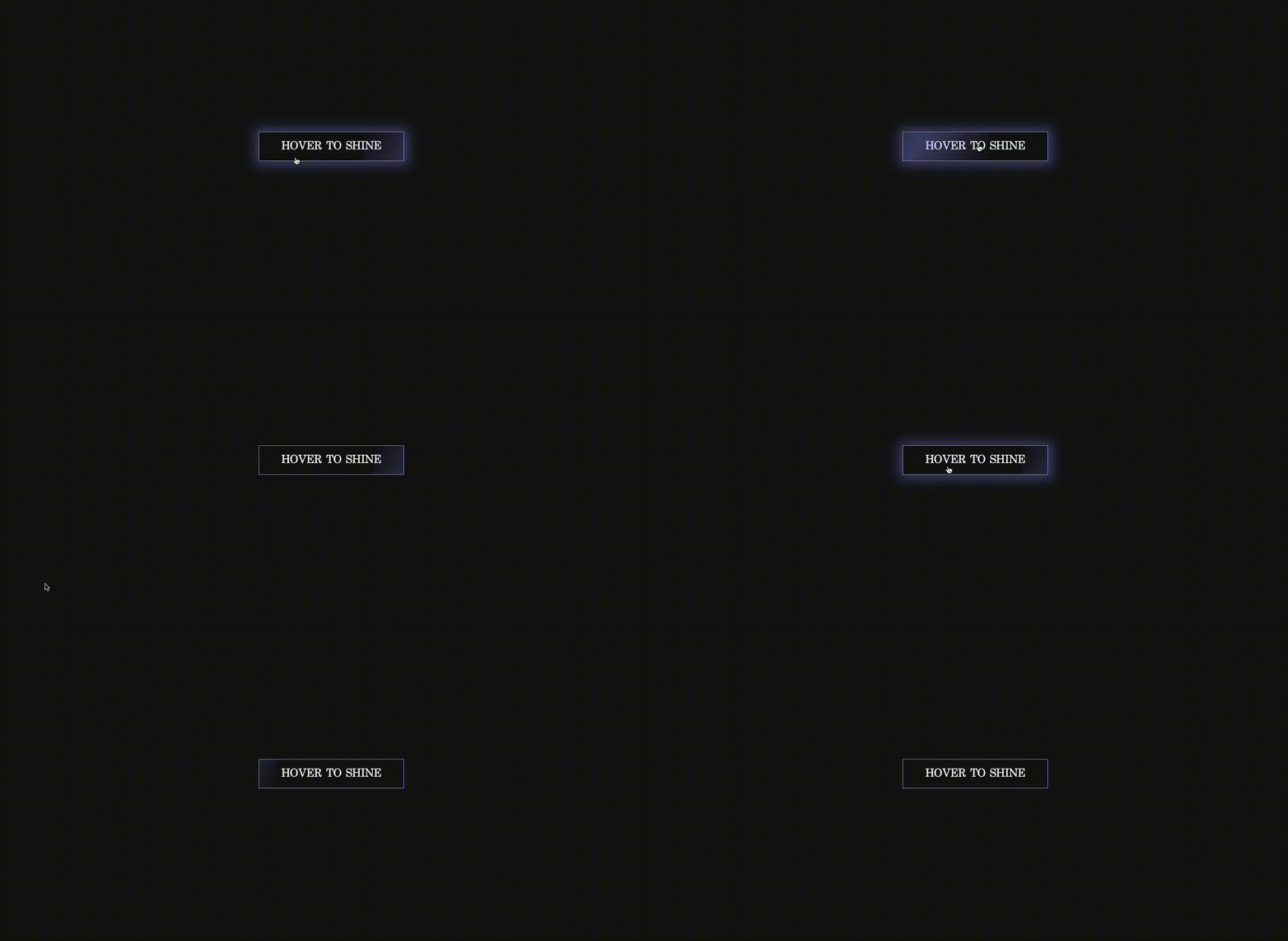
Shine effect on hover
HiroDaegu
2023. 2. 1. 00:10
728x90
SMALL

<!DOCTYPE html>
<html lang="ko">
<head>
    <meta charset="UTF-8">
    <meta http-equiv="X-UA-Compatible" content="IE=edge">
    <meta name="viewport" content="width=device-width, initial-scale=1.0">
    <title>SHINE EFFECT ON HOVER</title>
    <link rel="stylesheet" href="style.css">
</head>
<body>
    <a href="#" class="btn">Hover to Shine</a>
</body>
</html>
*,
*::before,
*::after {
box-sizing: border-box;
margin: 0;
padding: 0;
}
body {
min-height: 100vh;
display: grid;
place-items: center;
background: #121314;
font-family: serif;
}
.btn {
font-size: 1.5rem;
padding: 1rem 3rem;
color: #F4F4F4;
text-transform: uppercase;
text-decoration: none;
border: 1px solid rgb(146, 148, 248);
position: relative;
overflow: hidden;
}
.btn:hover {
box-shadow: 1px 1px 25px 10px rgba(146, 148, 248, 0.4);
}
.btn::before {
content: "";
position: absolute;
top: 0;
left: -100%;
width: 100%;
height: 100%;
background: linear-gradient(
120deg,
transparent,
rgba(146, 148, 248, 0.4),
transparent
);
transition: all 650ms;
}
.btn:hover::before {
left: 100%;
}728x90
LIST