Javascript
Javascript Simple update
HiroDaegu
2021. 9. 11. 19:50
728x90
SMALL
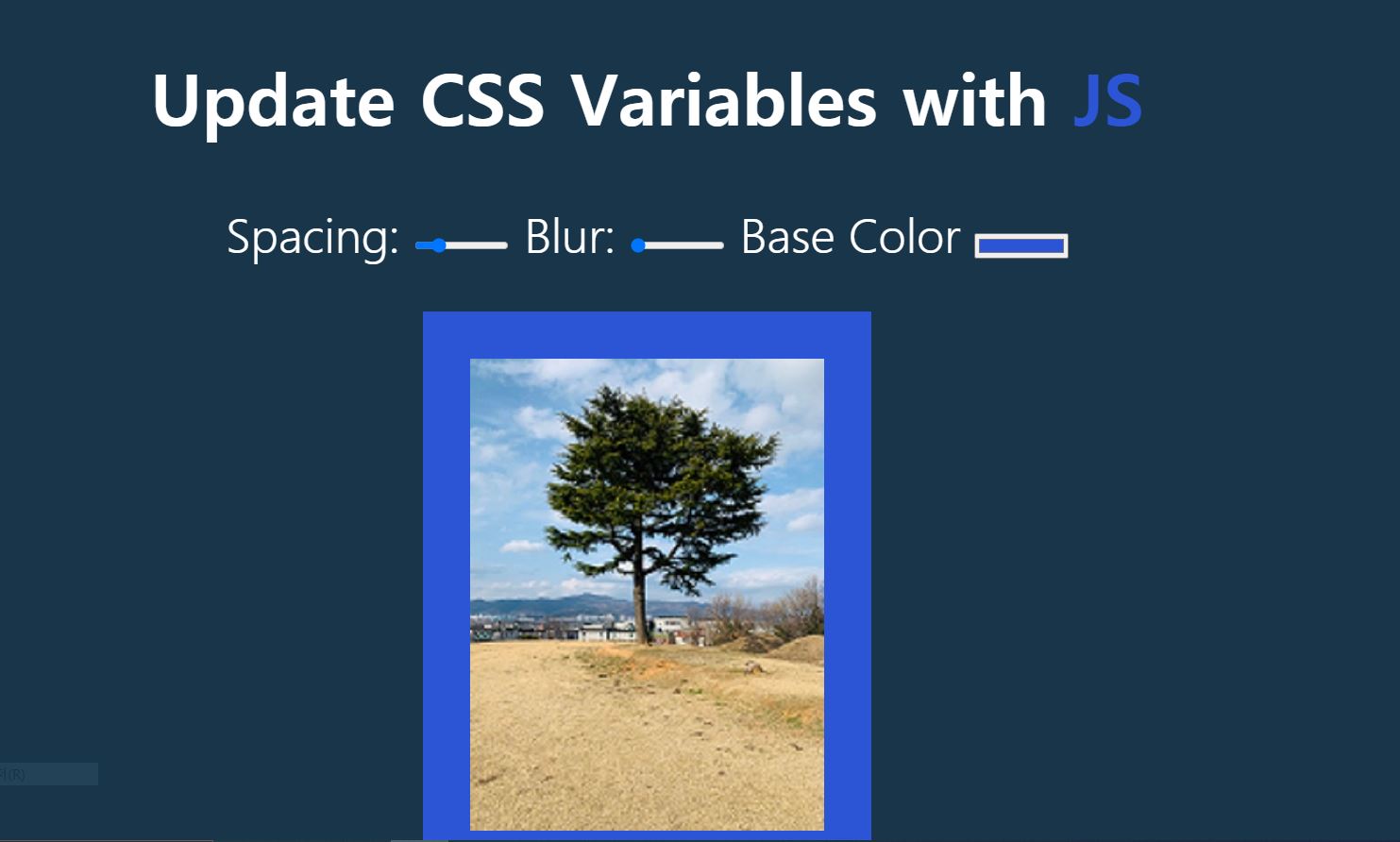
<!DOCTYPE html>
<html lang="ko">

<head>
  <meta charset="UTF-8">
  <meta http-equiv="X-UA-Compatible" content="IE=edge">
  <meta name="viewport" content="width=device-width, initial-scale=1.0">
  <title>Scoped CSS Variables and Javascript</title>
  <link rel="stylesheet" href="style.css">
  <script defer src="main.js"></script>
</head>

<body>
  <h2>Update CSS Variables with <span class="h1">JS</span></h2>
  <div class="controls">
    <label for="spacing">Spacing:</label>
    <input type="range" name="spacing" min="10" max="200" value="10" data-sizing="px">

    <label for="blur">Blur:</label>
    <input type="range" name="blur" min="0" max="25" value="10" data-sizing="px">

    <label for="base">Base Color</label>
    <input type="color" name="base" value="#ffc600">
  </div>

  <img src="bg.jpg" alt="Tree">

</body>

</html>
:root {
--base: #ffc600;
--spacing: 10px;
--blur: 10px;
}
body {
text-align: center;
background: #193549;
color: white;
font-family: 'helvetica neue', sans-serif;
font-weight: 100;
font-size: 50px;
}
.h1 {
color: var(--base);
}
.controls {
margin-bottom: 50px;
}
a {
color: var(--base);
text-decoration: none;
}
input {
width: 100px;
}
img{
padding: var(--spacing);
background: var(--base);
filter: blur(var(--blur));
}const inputs = document.querySelectorAll('.controls input')
// console.log(inputs)
function handleUpdate() {
const suffix = this.dataset.sizing || "";
document.documentElement.style.setProperty(`--${this.name}`, this.value+suffix);
}
inputs.forEach(input => input.addEventListener('change', handleUpdate))
inputs.forEach(input => input.addEventListener('mousemove', handleUpdate))728x90
LIST